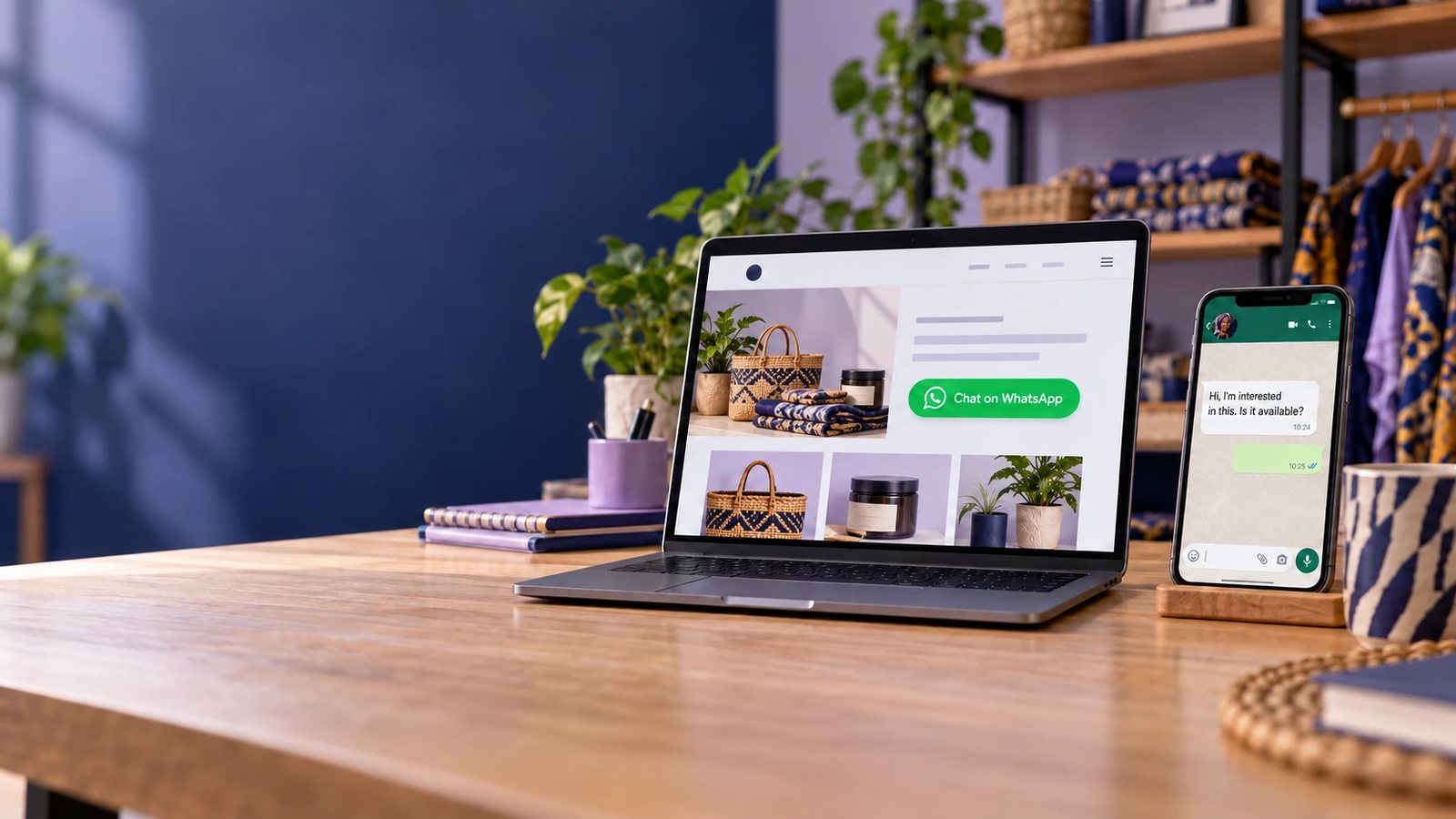
If your business website gets visitors but many of them leave without filling out a form, making a phone call, or completing a purchase, adding WhatsApp gives them a much easier way to contact you.
For Nigerian businesses, this matters because many customers prefer to start a conversation before they buy, book a service, request a quotation, or ask a question.
You can connect WhatsApp Business to your website with a click-to-chat link, a WhatsApp button, or a QR code. The link uses the format https://wa.me/234XXXXXXXXXX. When a visitor taps it, WhatsApp opens a chat with your business without them saving your number first (WhatsApp Help Center). No plugin, API or developer is needed for this basic setup.
In this guide, you'll learn how to link WhatsApp Business to your website, where to place the link, how to create a pre-filled message, how to track clicks, and how to turn website visitors into WhatsApp conversations.
What are the ways to connect WhatsApp Business to a website?
There are five ways to connect WhatsApp Business to a website: a text link, a button, a floating widget, a QR code, and a WhatsApp Business Platform (API) integration. The first four use the same click-to-chat link and work with the free WhatsApp Business app. Only the fifth needs the paid API.
| Method | What the visitor sees | Effort | Works with the free app? | Best for |
|---|---|---|---|---|
| Text link | "Chat with us on WhatsApp" in a sentence | Minutes | Yes | Blog posts, FAQs, email footers |
| Button | A "Chat on WhatsApp" button | Minutes | Yes | Contact pages, product pages, landing pages |
| Floating widget | A WhatsApp icon fixed to a corner of every page | 15 to 30 minutes, or a plugin | Yes | Sitewide support and enquiries |
| QR code | A scannable code on the page | Minutes | Yes | Desktop visitors who will chat from their phone |
| API integration | Automated replies, order alerts, chatbot, shared inbox | Days to weeks, usually with a provider | No | High volume, multiple agents, automation |
Key definitions:
- Click-to-chat link: a URL that opens a WhatsApp chat with a specific number without the visitor saving it first (WhatsApp Help Center).
- Pre-filled message: text added to the link that appears in the visitor's message box, ready to send.
- WhatsApp widget: a floating chat button, usually added by a plugin or a few lines of code, that stays visible as the visitor scrolls.
- WhatsApp Business Platform: Meta's paid API for businesses that need to automate and scale WhatsApp messaging.
How to create a WhatsApp link for your website
Use https://wa.me/ followed by your full number in international format, with no plus sign, leading zero, spaces, brackets or dashes. WhatsApp's own instructions state this format (WhatsApp Help Center).
Format a Nigerian number
| Local number | International format | WhatsApp link |
|---|---|---|
| 0803 123 4567 | +234 803 123 4567 | https://wa.me/2348031234567 |
| 0907 654 3210 | +234 907 654 3210 | https://wa.me/2349076543210 |
Drop the leading 0 and put 234 in front. A link written as wa.me/+234-0803... will not open the right chat.
Add a pre-filled message
Add ?text= and your message, URL-encoded, to the end of the link. Spaces become %20. WhatsApp documents the format as https://wa.me/whatsappphonenumber?text=urlencodedtext (WhatsApp Help Center).
https://wa.me/2348031234567?text=Hello%2C%20I%20want%20to%20order%20from%20your%20websiteThe visitor sees "Hello, I want to order from your website" in their message box. They can edit it or tap send.
Use a different pre-filled message on each page, so you know where the chat started:
| Page | Pre-filled message |
|---|---|
| Homepage | Hi, I found you on your website. |
| Product page | Hi, I'm interested in the Ankara two-piece set (SKU AK-204). |
| Contact page | Hi, I'd like to speak with your team. |
| Property listing | Hi, is the 3-bedroom flat in Lekki still available? |
| Booking page | Hi, I want to book a consultation. |
Use the app's short link instead
The WhatsApp Business app also generates a short link under Settings > Business tools > Short link, in the format wa.me/message/<code>, with an editable default message. It hides your phone number in the URL (Qualimero). The trade-off: one short link carries one default message, so per-page messages need the standard wa.me/234... format.
For branded short links, QR codes and channel-by-channel links, see How to Create a WhatsApp Business Link and QR Code: 2026 Guide.
How to add a WhatsApp button to your website with HTML
Wrap your click-to-chat link in an HTML anchor tag and style it as a button. Any website that lets you edit HTML, including custom sites, WordPress, Wix and Shopify, can use the code below. Replace 2348031234567 with your number.
Option 1: an inline "Chat on WhatsApp" button
Place this on a contact page, product page or landing page.
<a href="https://wa.me/2348031234567?text=Hi%2C%20I%20found%20you%20on%20your%20website"
   target="_blank" rel="noopener"
   aria-label="Chat on WhatsApp"
   class="wa-button">
  Chat on WhatsApp
</a>
<style>
  .wa-button {
    display: inline-block;
    padding: 12px 20px;
    background: #25D366;
    color: #fff;
    font-weight: 600;
    border-radius: 8px;
    text-decoration: none;
  }
  .wa-button:hover { background: #1ebe5b; }
</style>
WhatsApp also publishes an official branded Chat on WhatsApp button image. Its guidance is to use the button as supplied and keep to the latest version; the button is currently available in English only (WhatsApp Help Center).
Option 2: a floating WhatsApp widget
This keeps a round chat button in the bottom-right corner of every page. Paste it once, just before the closing </body> tag of your site template.
<a href="https://wa.me/2348031234567?text=Hi%2C%20I%20have%20a%20question"
   target="_blank" rel="noopener"
   aria-label="Chat with us on WhatsApp"
   class="wa-float">
  WhatsApp
</a>
<style>
  .wa-float {
    position: fixed;
    right: 20px;
    bottom: 20px;
    z-index: 9999;
    padding: 14px 18px;
    background: #25D366;
    color: #fff;
    font-weight: 600;
    border-radius: 999px;
    box-shadow: 0 4px 12px rgba(0,0,0,.2);
    text-decoration: none;
  }
  @media (max-width: 600px) {
    .wa-float { right: 12px; bottom: 12px; }
  }
</style>
Check that the floating button does not cover a "Pay now", cookie banner or cart button on mobile.
What the attributes do:
target="_blank"opens WhatsApp in a new tab on desktop, so the visitor keeps your page open.rel="noopener"stops the new tab from accessing your page, a standard security practice.aria-labeltells screen readers what the button does.
How to add WhatsApp to a WordPress or WooCommerce website
On WordPress, either install a WhatsApp chat plugin or paste the HTML from the previous section into your theme. A plugin is faster and adds settings without code; the HTML method avoids an extra plugin.
Method 1: use a plugin
Joinchat is one of the most widely installed WhatsApp plugins in the WordPress directory. According to its listing, it adds a floating WhatsApp button that opens the app on mobile, opens WhatsApp Desktop or WhatsApp Web on desktop with a scannable QR code, and counts clicks in the WordPress dashboard.
- In WordPress, go to Plugins > Add New.
- Search for the plugin by name, then click Install and Activate.
- Open the plugin settings and enter your number with the country code (234).
- Set the call-to-action text and a default pre-filled message.
- Choose which pages show the button, then save and test on your phone.
Plugins in the directory are built by third parties, not by WhatsApp or Meta. Check the update date, active installs and reviews before installing, and keep the plugin updated.
Method 2: add the HTML yourself
- Button on one page: add a Custom HTML block in the block editor and paste the inline button code.
- Floating button on every page: paste the floating widget code into your theme footer through a header-and-footer code setting, or a child theme. Editing a parent theme directly is lost on the next theme update.
WooCommerce product pages
For online stores, place an "Order on WhatsApp" or "Ask about this product" button near the Add to Cart button. Put the product name and SKU in the pre-filled message so you know which item the customer means. Several WooCommerce-focused plugins add this per product automatically.
Other website builders
Wix, Shopify, Squarespace and similar builders support an embed or custom code block. Paste the inline button there, or the floating widget into the site-wide custom code area if your plan allows it.
Where should you put WhatsApp on your website?
Put a WhatsApp button wherever a visitor is ready to ask a question or buy: the contact page, every product or service page, landing pages, and as a floating button sitewide. Match the pre-filled message to the page.

| Page | Placement | Pre-filled message example | Business example |
|---|---|---|---|
| Contact page | First contact option, above the form | Hi, I'd like to speak with your team. | Any SME |
| Product page | Next to Add to Cart or the price | Hi, I want to order the Ankara two-piece set (AK-204). | Lagos fashion store |
| Service page | Under the price or package list | Hi, I want a quote for office deep cleaning in Abuja. | Cleaning company |
| Property listing | Beside the photos and price | Hi, is the 3-bedroom flat in Lekki Phase 1 still available? | Real estate agency |
| Menu or order page | At the top and bottom of the menu | Hi, I want to place an order for delivery. | Restaurant in Port Harcourt |
| Booking page | As an alternative to the booking form | Hi, I want to book a consultation this week. | Clinic or law firm |
| Landing page | Main call to action, repeated after each section | Hi, I saw your offer and want the details. | Ad campaign page |
| Blog post | Text link at the end of the post | Hi, I read your article and have a question. | Content-led business |
Two rules for placement:
- Show the number as text too. Some visitors prefer to save the number, and others will call. Put the number in the footer and on the contact page.
- Set expectations beside the button. A line such as "We reply within 30 minutes, 8am to 8pm" reduces repeat messages and abandoned chats.
For law firms and clinics, add a note that visitors should not send confidential documents or medical details by WhatsApp unless asked.
Does a WhatsApp button work on desktop as well as mobile?
Yes. WhatsApp states that click to chat works on both phones and WhatsApp Web (WhatsApp Help Center). The experience differs, so design for both.
| Device | What happens when the visitor clicks | What to do |
|---|---|---|
| Mobile with WhatsApp installed | The WhatsApp app opens a chat with your number and the pre-filled message | Make the button large and easy to tap |
| Desktop with WhatsApp Desktop or WhatsApp Web signed in | The chat opens on the computer | Use target="_blank" so your page stays open |
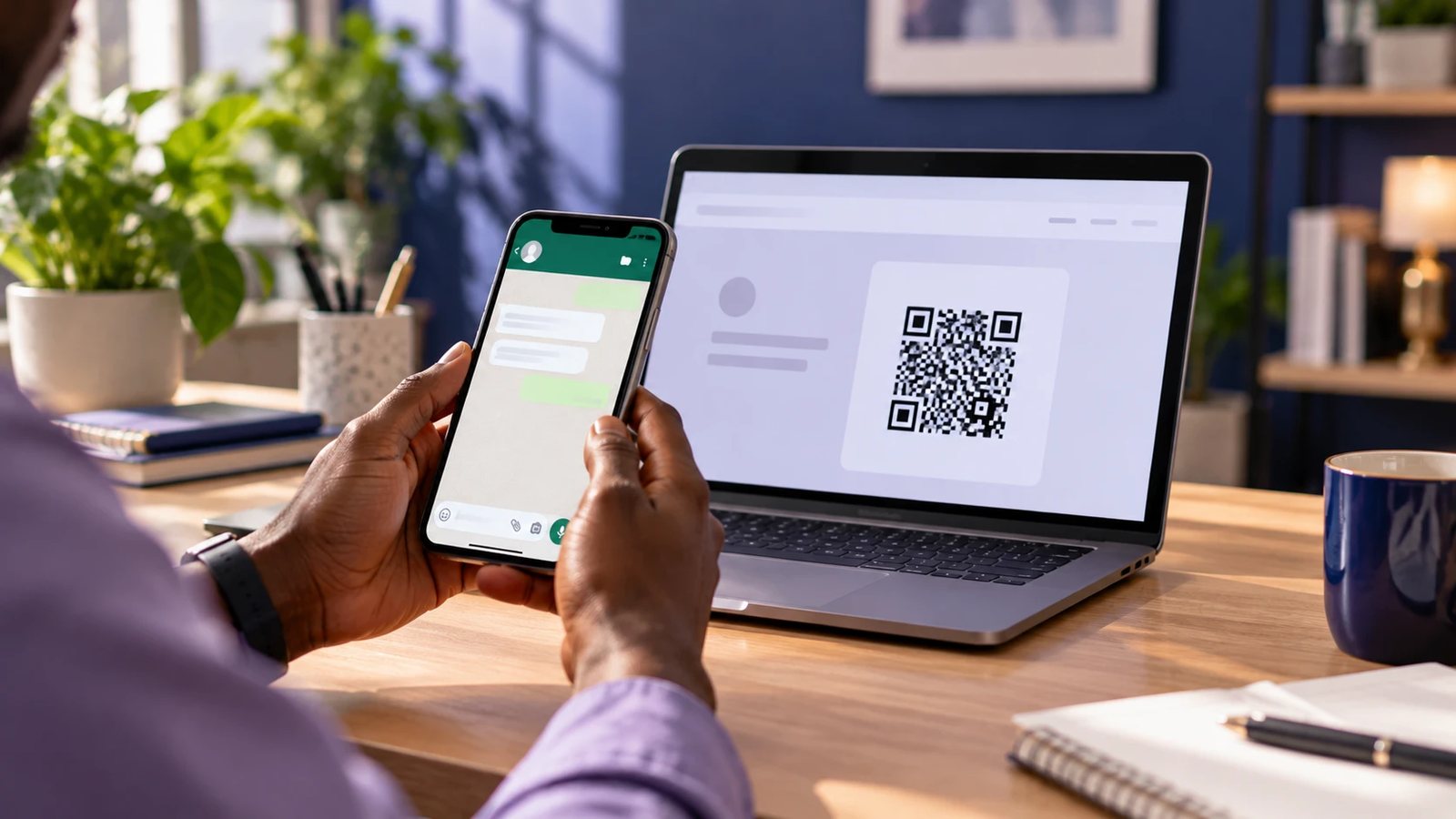
| Desktop not signed in to WhatsApp | The visitor is asked to open WhatsApp Web and link it with their phone | Show a QR code they can scan with their phone instead |
Add a QR code for desktop visitors
A QR code lets a desktop visitor start the chat on their phone in one scan. Generate the code from the same wa.me link (or from the app under Settings > Business tools > Short link) and place it on the contact page or in a desktop-only block.
<div class="wa-qr">
  <img src="/images/whatsapp-qr.png" width="180" height="180"
       alt="Scan to chat with us on WhatsApp">
  <p>Scan with your phone camera to chat on WhatsApp</p>
</div>
<style>
  .wa-qr { display: none; text-align: center; }
  @media (min-width: 900px) { .wa-qr { display: block; } }
</style>
The CSS shows the QR code only on wider screens, where scanning makes sense. Some WordPress plugins, including Joinchat, show a QR code to desktop visitors automatically.
For how to create, download and print WhatsApp QR codes, see How to Create a WhatsApp Business Link and QR Code: 2026 Guide.
How to track WhatsApp clicks and conversions from your website
Track WhatsApp clicks in Google Analytics 4 (GA4) as outbound clicks, then mark them as key events. Track what happens after the click inside WhatsApp, using chat labels and page-specific pre-filled messages.
Step 1: confirm GA4 is capturing WhatsApp clicks
GA4's enhanced measurement records outbound clicks automatically as a click event with parameters including link_url, link_domain and outbound (Google Analytics Help). Clicks on wa.me links count as outbound.
- In GA4, go to Admin > Data streams and select your website stream.
- Under Enhanced measurement, confirm Outbound clicks is turned on.
Step 2: create a WhatsApp click event
- Go to Admin > Events > Create event.
- Name it
whatsapp_click. - Add conditions:
event_nameequalsclick, andlink_urlcontainswa.me. - Save, then mark
whatsapp_clickas a key event so it appears as a conversion in reports and can be imported into Google Ads.
To see which pages send the most chats, register link_url as a custom dimension and break the event down by page path.
Step 3: tag clicks you send yourself (optional)
If you prefer explicit tracking over enhanced measurement, fire your own event on click:
<a href="https://wa.me/2348031234567?text=Hi%2C%20I%20want%20to%20order"
   target="_blank" rel="noopener"
   onclick="gtag('event','whatsapp_click',{page_location:location.href});">
  Chat on WhatsApp
</a>
This requires the Google tag (gtag.js) on the page. Use either this event or the Step 2 event as your key event, not both, or each click is counted twice.
Step 4: track what happens inside WhatsApp
GA4 can see the click, not the chat. Close the gap in the WhatsApp Business app:
- Page-specific pre-filled messages tell you which page the chat came from ("...the Lekki 3-bedroom listing").
- Labels such as Website lead, Paid and Lost show how many website chats became sales.
- Monthly comparison: GA4
whatsapp_clickcount versus chats labelled Website lead versus chats labelled Paid.
Automatic chat-to-sale attribution requires the WhatsApp Business Platform (API) connected to a CRM.
How Nigerian businesses use WhatsApp on their websites
A WhatsApp button turns a website visit into a conversation. The three main uses are selling (e-commerce), capturing leads, and customer support. Each needs a different pre-filled message and follow-up.
E-commerce: order on WhatsApp
Online shoppers often want to confirm price, size, delivery fee and payment method before paying. An "Order on WhatsApp" button on each product page answers that need.
Example: an Abuja electronics store adds "Ask about this phone" under each listing. The pre-filled message carries the model and storage size. Staff reply with a quick reply containing delivery fees by city, then send a payment link or account details.
Pair the button with a WhatsApp Business catalogue so customers can browse more items in the chat. See Auto-Replies and Catalogues That Close Sales on WhatsApp Business (2026 Guide).
Lead generation: replace or support the contact form
For services where buyers want a quick conversation before committing, a WhatsApp button often sits beside the contact form.
- Real estate: "Is this property still available?" on every listing, with the property code in the message.
- Law firms: "Book a consultation" on practice-area pages. Move confidential details to a meeting or secure email.
- Clinics and diagnostic centres: "Book a test" or "Ask about opening hours". Do not invite visitors to send medical results by chat.
- Service providers (cleaners, logistics, interior designers): "Get a quote" with the service and location in the message.
Customer support
A floating WhatsApp button on account, order-tracking and help pages gives existing customers a familiar support channel.
Example: a Lagos logistics company adds "Track my delivery on WhatsApp" to its order-tracking page. Customers send their waybill number; staff reply using quick replies and label the chat Resolved.
Set an away message so out-of-hours enquiries get an immediate reply. Setup steps are in How to Set Up WhatsApp Business in Nigeria: A Complete 2026 Guide.
Bringing website visitors back
After the first chat, invite interested customers to your WhatsApp Channel or Community for updates and offers. See Communities on WhatsApp Business: How Nigerian Businesses Can Use Them (2026 Guide).
What is the difference between a WhatsApp link and an API integration?
A WhatsApp link only opens a chat; everything after that is handled by a person on the WhatsApp Business app. An API integration connects your website and systems to the WhatsApp Business Platform, so messages can be sent, received and routed automatically.
| Click-to-chat link or button | WhatsApp Business Platform (API) integration | |
|---|---|---|
| What it does | Opens a chat with your number | Sends and receives messages programmatically |
| Who replies | You or your staff, by hand | Chatbots, AI agents or agents in a shared inbox |
| Cost | Free with the WhatsApp Business app | Meta charges per delivered message, plus provider fees |
| Website-triggered messages | No | Yes: order confirmations, payment receipts, delivery updates |
| Team access | 1 phone + up to 4 linked devices | Multiple agents, routing and assignment |
| Tracking | Clicks in GA4; chats tracked by labels | Full conversation data linked to a CRM |
| Setup time | Minutes | Days to weeks |
What the API adds to a website
- Automatic notifications: a WooCommerce or custom checkout sends an order confirmation and delivery update to the customer's WhatsApp.
- Chatbots: answer common questions, collect lead details, and hand over to a human.
- Platform QR codes and short links: created and managed through Meta's API, with a pre-filled message of up to 140 characters (Meta for Developers).
- CRM sync: website leads and chat history flow into a sales system.
What it costs in 2026
From 1 October 2026, Meta bills service replies and in-window utility messages on the Platform at the recipient country's utility rate, after 1,000 free service messages per number each month. Messages inside the 72-hour window opened by a Click-to-WhatsApp ad stay free, and the WhatsApp Business app is not affected (FCB.ai). Check Meta's current rate card for Nigerian rates before budgeting.
Rule of thumb: start with a link or button. Move to the API when chats arrive faster than your team can answer on four linked devices, or when your website needs to send WhatsApp messages automatically.
For a cost breakdown, see WhatsApp Business API in Nigeria: Cost and Who Needs It (2026). For a full comparison, see WhatsApp Business vs the API: Which One Does Your Nigerian Business Need? (2026).
Common mistakes when adding WhatsApp to a website
Most broken WhatsApp buttons fail because of the number format, an unencoded message, or a button nobody answers. Check for these before you publish:
| Mistake | Result | Fix |
|---|---|---|
Number written as wa.me/08031234567 or wa.me/+234... | Link opens the wrong chat or fails | Use wa.me/2348031234567: 234, no plus, no leading zero |
Spaces or symbols left unencoded in ?text= | Message breaks or is cut off | URL-encode the text (space = %20, comma = %2C) |
| Personal WhatsApp number on the business site | Personal and customer chats mix | Use a dedicated WhatsApp Business number |
| Floating button covering checkout or cookie buttons on mobile | Lost sales and frustrated visitors | Test on a phone; adjust the bottom offset |
| No away message or reply time shown | Out-of-hours visitors get silence | Set an away message and state reply hours next to the button |
| Same pre-filled message on every page | You cannot tell which page created the lead | Use a page-specific message |
| Collecting numbers on the site, then sending bulk promotions | Recipients block and report the number | Let customers message first; use opt-in lists for promotions |
| No QR code for desktop visitors | Desktop users without WhatsApp Web drop off | Add a desktop-only QR code |
Bulk messaging and reports can lead to restrictions on your number. The full list of triggers is in Why WhatsApp Business Numbers Get Banned, and How to Avoid It (2026).
Frequently asked questions
How do I link WhatsApp Business to my website?
Create a click-to-chat link in the format https://wa.me/234XXXXXXXXXX using your full number without the plus sign or leading zero. Then add the link to a button or text link on your website.
Do I need the WhatsApp Business API to add WhatsApp to my website?
No. A click-to-chat link or button works with the free WhatsApp Business app. The API is only needed for automated messages, chatbots or many agents on one number.
How do I write a Nigerian number in a WhatsApp link?
Remove the leading zero and add 234. For example, 0803 123 4567 becomes https://wa.me/2348031234567.
Can I add a pre-filled message to a WhatsApp link?
Yes. Add ?text= followed by URL-encoded text, such as https://wa.me/2348031234567?text=Hello%20I%20want%20to%20order. The message appears in the visitor's chat box, ready to send.
How do I add a WhatsApp button to WordPress?
Install a WhatsApp chat plugin such as Joinchat and enter your number, or paste a click-to-chat button into a Custom HTML block or your site footer.
Does a WhatsApp button work on desktop?
Yes. Click to chat works on phones and WhatsApp Web. Desktop visitors who are not signed in to WhatsApp Web may prefer a QR code they can scan with their phone.
Is adding a WhatsApp button to my website free?
Yes. Click-to-chat links and the WhatsApp Business app are free. Costs apply only with the WhatsApp Business Platform (API) or a paid plugin or provider.
How can I track WhatsApp clicks from my website?
In Google Analytics 4, confirm outbound click tracking is on, then create an event for clicks where link_url contains wa.me and mark it as a key event.
Will customers see my phone number?
With a standard wa.me link, the number is visible in the link. The WhatsApp Business app's short link uses a wa.me/message code that hides the number in the URL, although customers see the number once the chat opens.
Can my website send WhatsApp messages automatically?
Only through the WhatsApp Business Platform (API). Order confirmations, payment receipts and delivery updates sent from a website need an API integration and are charged per message by Meta.
Start with one button, then measure
Linking WhatsApp Business to your website takes one correctly formatted wa.me link. Put it on your contact and product pages with a page-specific message, add a QR code for desktop visitors, and track clicks in GA4. Move to the WhatsApp Business Platform when your website needs to send messages automatically or your team outgrows four linked devices.
Want WhatsApp built into your website properly? Pedicel Nigeria sets up WhatsApp buttons, tracking, catalogues and API integrations for Nigerian businesses. Book a free consultation
How to Create a WhatsApp Business Link and QR Cod…