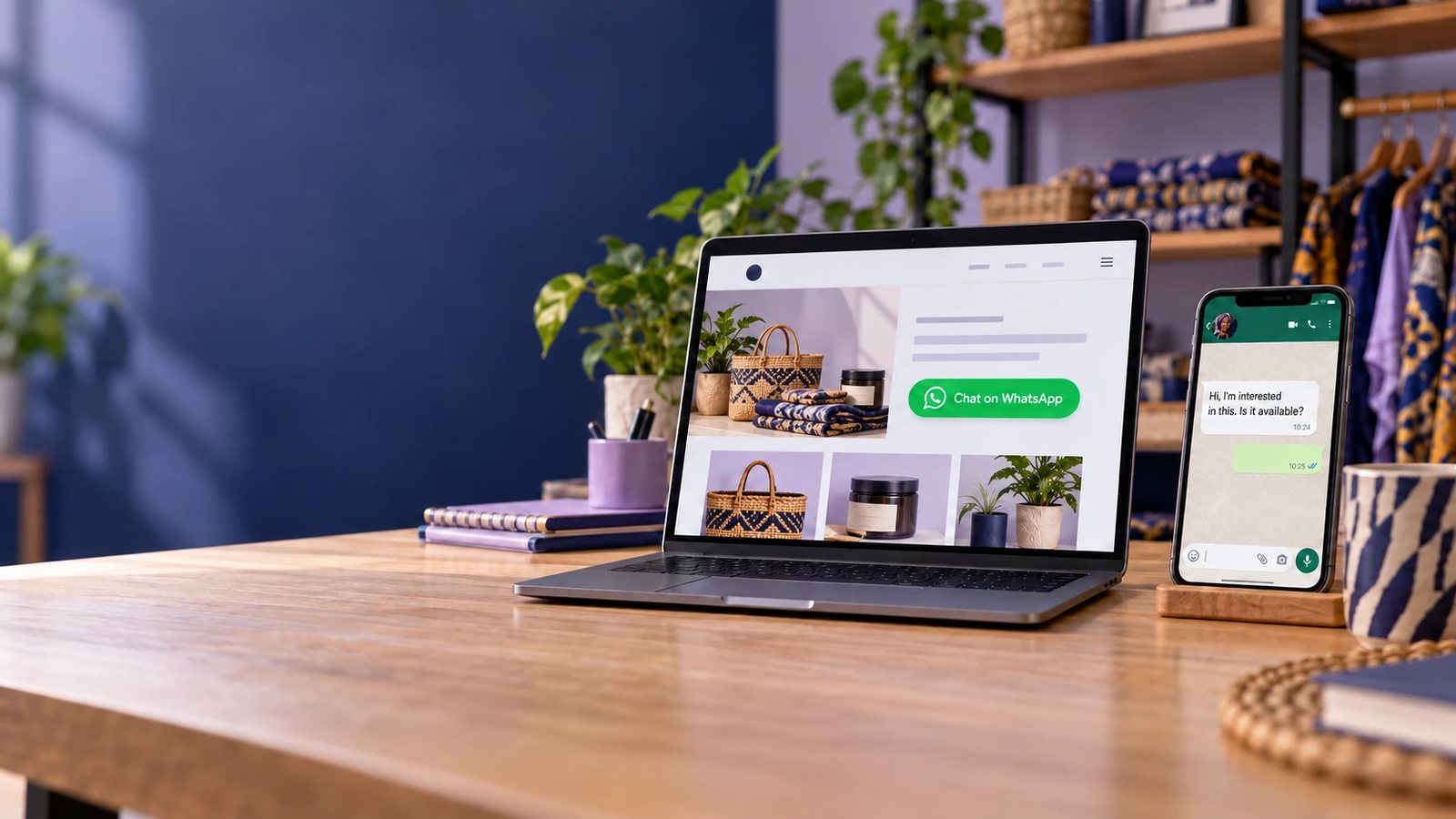
If your customers already message you on WhatsApp but you are still replying from a personal account, you are missing tools that make selling easier: a business profile, a product catalogue, automatic replies and chat labels.
For Nigerian businesses, this matters because WhatsApp is often where enquiries, orders and payment confirmations happen. A properly set up business account looks more credible, answers common questions faster, and keeps sales chats separate from personal ones.
You can set up WhatsApp Business in Nigeria in about 15 minutes with three things: a smartphone, a Nigerian phone number linked to your NIN, and the free WhatsApp Business app. The app costs nothing to use. Meta's per-message charges that started on 1 October 2026 apply only to the WhatsApp Business Platform (API), not the app (FCB.ai).
In this guide, you'll learn what you need before you start, how to create and verify your account, how to set up your profile and catalogue, which automated messages to turn on, how to share your WhatsApp link and QR code, how to keep the account secure, and when your business should move to the API.
What is WhatsApp Business?
WhatsApp Business is a free app from WhatsApp, owned by Meta, built for businesses to communicate with customers. According to WhatsApp, it provides tools to automate, sort and quickly respond to incoming messages. It is a separate app from WhatsApp Messenger, the personal app most Nigerians already use.
Three related Meta products are often confused. They serve different needs:
| Product | What it is | Who it suits |
|---|---|---|
| WhatsApp Business app | Free mobile app with a business profile, catalogue and messaging tools | Sole traders and SMEs replying by hand |
| WhatsApp Business Platform (API) | Paid, programmable access through Meta's Cloud API or a solution provider | Businesses needing automation, chatbots or many agents |
| Meta Verified for business | Optional paid subscription that adds a verified badge to the account | Brands exposed to impersonation |
The app connects to the rest of Meta's ecosystem. You can add your WhatsApp Business number to a Facebook Page or Instagram profile, and run Click-to-WhatsApp ads that open a chat with your business (WhatsApp Help Center).
Who should use WhatsApp Business in Nigeria?
Any business that sells, books or supports customers through WhatsApp should use the Business app instead of personal WhatsApp. The Business app adds a public profile, a catalogue, automated replies and chat labels, none of which exist in WhatsApp Messenger.
Typical Nigerian use cases:
- Online stores and fashion brands: share catalogue items, confirm sizes, and send payment details with a quick reply.
- Restaurants and food vendors: take orders, share the menu as a catalogue, and set an away message for closing hours.
- Real estate agents: send listing photos and videos, label leads by budget or area, and book inspections.
- Clinics and diagnostic centres: confirm appointments and answer opening-hour questions. Avoid discussing test results in chat unless your data protection policy allows it.
- Law firms and consultants: handle first enquiries and schedule consultations, then move sensitive matters to email or meetings.
- Service businesses (salons, logistics, tutors, repair technicians): share price lists and confirm bookings.
A business sending thousands of messages a day, or needing several staff on one number at once, should read the API section below before committing to the app.
What do you need to set up WhatsApp Business in Nigeria?
You need a smartphone, an active Nigerian number that is linked to a verified NIN, and internet access. You do not need CAC registration to use the app.
A Nigerian number linked to your NIN
Any MTN, Airtel, Glo or 9mobile number works with WhatsApp Business. The line must be able to receive SMS or calls for verification. The Nigerian Communications Commission (NCC) directed operators to fully bar SIMs not linked to a National Identification Number from 28 February 2024, with unverified NINs barred by 15 April 2024 (Voice of Nigeria). A barred line cannot receive your verification code, and you can lose access to the account if you ever need to re-register.
A number that is not already on WhatsApp
One number can run only one WhatsApp account. If the number is already on personal WhatsApp, you either move it to Business (see below) or use a second SIM. A dual-SIM phone can run WhatsApp Messenger on one line and WhatsApp Business on the other.
Your business details
Prepare these before you start:
- Business name, exactly as customers know it
- Category (for example, Clothing Store, Restaurant, Real Estate Agent)
- Logo or profile photo, square, with the main element centred
- Short description of what you sell and where you deliver
- Address, opening hours, email and website
- Product or service photos, names and naira prices for the catalogue
How to create a WhatsApp Business account: step by step
Download the official app, register your number, verify it with a 6-digit code, then name the business. The whole process takes 5 to 10 minutes.
- Download the official app. Search "WhatsApp Business" on the Google Play Store or Apple App Store and confirm the publisher is WhatsApp. Avoid modified apps such as GB WhatsApp or WhatsApp Plus. WhatsApp states these unofficial apps violate its Terms of Service and that accounts using them can be temporarily, then permanently, banned (THEWILL, quoting WhatsApp's FAQ).
- Accept the terms. Open the app and tap Agree and continue.
- Enter your number. Choose Nigeria (+234) and type the number without the leading zero. For 0803 123 4567, enter 803 123 4567.
- Verify the number. Enter the 6-digit code WhatsApp sends by SMS. If the SMS does not arrive, request a voice call instead.
- Restore chats if prompted. If the number was on WhatsApp Messenger, the app offers to move the account across, including chat history.
- Enter the business name. Use the trading name customers recognise. Do not add slogans, prices or keywords.
- Select a category and add a profile photo. Upload your logo, centred so it reads inside the circular crop.
The account is now live. Complete the profile before you share the number publicly.
Can you move personal WhatsApp to WhatsApp Business?
Yes. Install WhatsApp Business on the same phone and register the number used on WhatsApp Messenger. The app migrates the account and its chat history; the number then stops working on the personal app. Back up first through Settings > Chats > Chat backup. Only migrate a number customers already use. If family chats live on it, a separate SIM keeps sales and personal conversations apart.
How to set up your WhatsApp Business profile
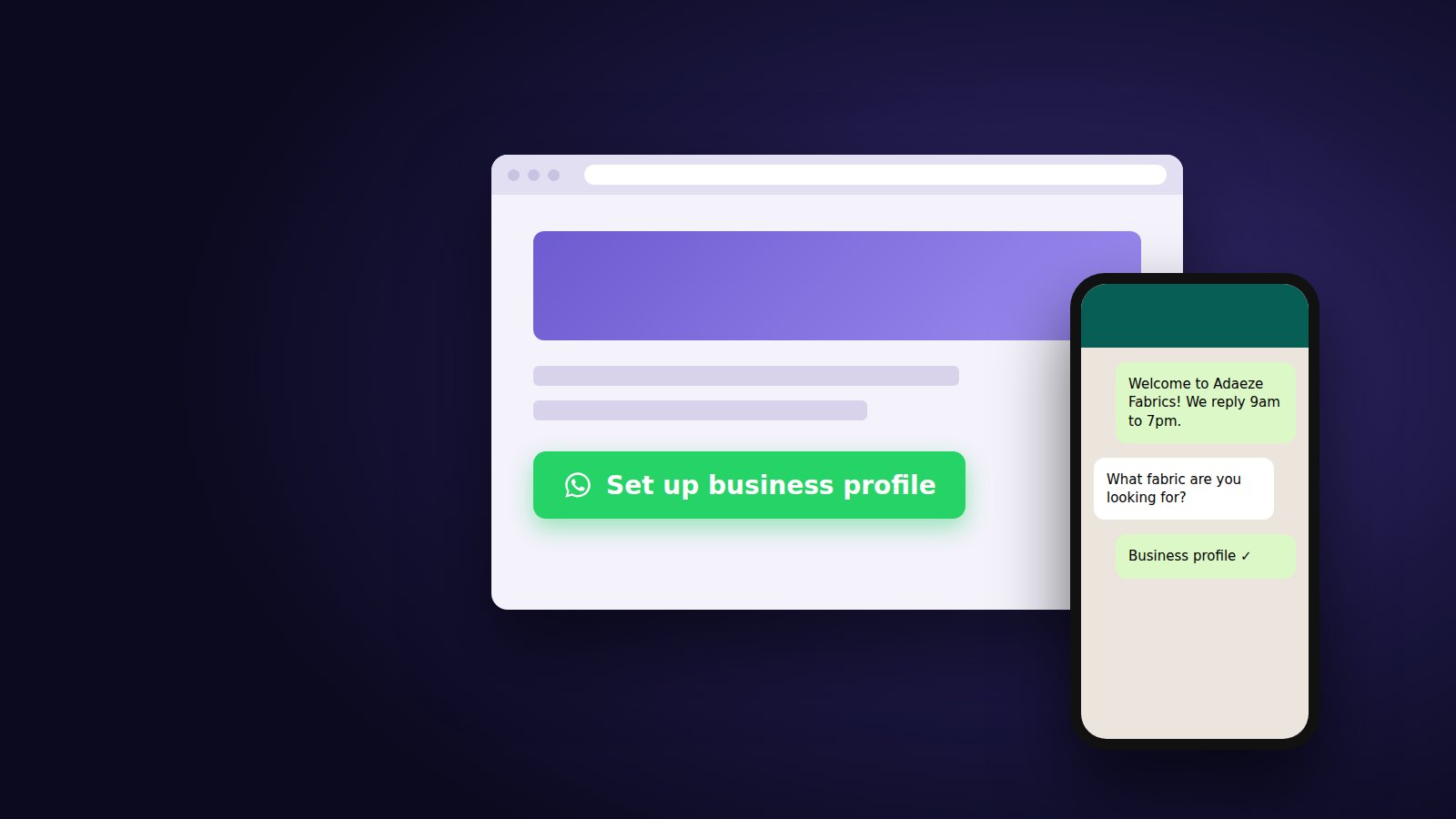
Open Settings > Business tools > Business profile and complete every field. The business profile is what a customer sees when they tap your name, so it does the job of a shopfront sign and a contact card.
| Profile field | What to enter | Nigerian example |
|---|---|---|
| Profile photo | Logo, square, centred | Brand logo on a plain background |
| Business name | Trading name only | Adaeze Fabrics |
| Category | Closest match from the list | Clothing Store |
| Description | What you sell, where you deliver, response time | Ankara and lace fabrics. Delivery across Lagos in 24 hours, nationwide in 3 to 5 days. We reply 8am to 8pm. |
| Address | Street address and map pin | 14 Allen Avenue, Ikeja, Lagos |
| Business hours | Hours per day, closed days marked | Mon to Sat, 9am to 7pm. Sunday closed. |
| Business email | sales@adaezefabrics.ng | |
| Websites | Up to two links | Website and Instagram profile |
The app supports up to two website links (unil.ink). Use the second for the social channel where customers check your reviews or recent work.
State delivery areas and response times in the description. Both are common first questions from buyers, and answering them in the profile saves a message each time.
How to create a WhatsApp Business catalogue
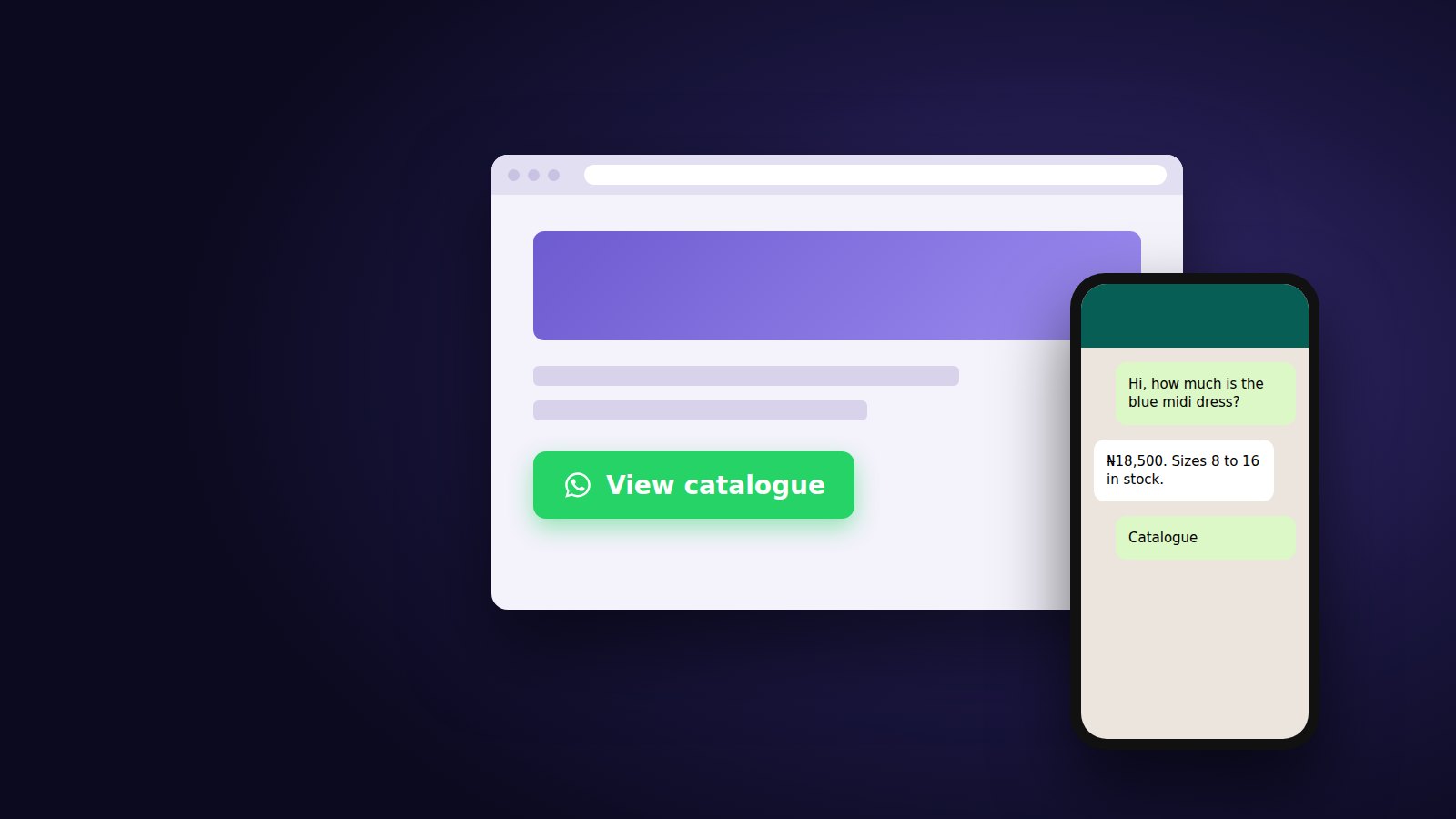
A WhatsApp Business catalogue is a product or service list inside your business profile. Customers browse it without leaving the chat. The Business app supports up to 500 catalogue items at no cost (unil.ink).
To create one:
- Go to Settings > Business tools > Catalogue.
- Tap Add new item.
- Add photos, the item name, price in naira, a description, and an optional link or item code.
- Tap Save. WhatsApp reviews items before they appear publicly (Rasayel).
- Group items into collections, such as "New arrivals" or "Lunch menu", so customers find them faster.
Write each description with the details a buyer would otherwise ask for. "Blue dress" generates a question. "Blue chiffon midi dress, sizes 8 to 16, delivered in Lagos within 24 hours" answers it.
Services can use the catalogue too. A clinic can list consultation types with prices; a law firm can list fixed-fee services such as tenancy agreement drafting.
For catalogue layouts and reply sequences built to convert enquiries into orders, see Auto-Replies and Catalogues That Close Sales on WhatsApp Business (2026 Guide).
How to set up WhatsApp Business auto replies, quick replies and labels
WhatsApp Business has four built-in messaging tools: greeting messages, away messages, quick replies and labels. All four sit under Settings > Business tools. Set them up before the number goes public, so the first customer who messages gets a response.
Greeting message
A greeting message is an automatic reply sent when a new customer messages you. Keep it short: name the business, say when you reply, and ask one question.
Hi, welcome to Adaeze Fabrics. We reply between 9am and 7pm. What fabric are you looking for today?
Away message
An away message is an automatic reply sent when you are unavailable. Choose Outside of business hours so it follows the hours in your profile. Tell the customer when to expect a reply, and point them to your catalogue in the meantime.
Quick replies
Quick replies are saved messages you send by typing "/" followed by a shortcut. Create one for each question you answer daily:
| Shortcut | Use it for |
|---|---|
| /price | Price list or catalogue link |
| /delivery | Delivery areas, fees and timelines |
| /pay | Account name, bank and payment confirmation steps |
| /location | Address and map link |
| /hours | Opening hours and holiday closures |
Labels
Labels are colour tags for chats and contacts. Use them as a simple sales pipeline: New lead, Awaiting payment, Paid, Delivered, Follow up. A real estate agent might label by stage instead: Enquiry, Inspection booked, Offer made.
How to get your WhatsApp Business link and QR code
The WhatsApp Business app generates a short link and a QR code for your number under Settings > Business tools > Short link. Customers who tap the link or scan the code open a chat with you without saving your number first.
There are two link formats:
| Link type | Format | Notes |
|---|---|---|
| Business short link | wa.me/message/<code> | Generated in the app; hides your phone number (Qualimero) |
| Click-to-chat link | wa.me/234XXXXXXXXXX | Built manually from your number in international format, without the + or leading zero (Techpoint Africa) |
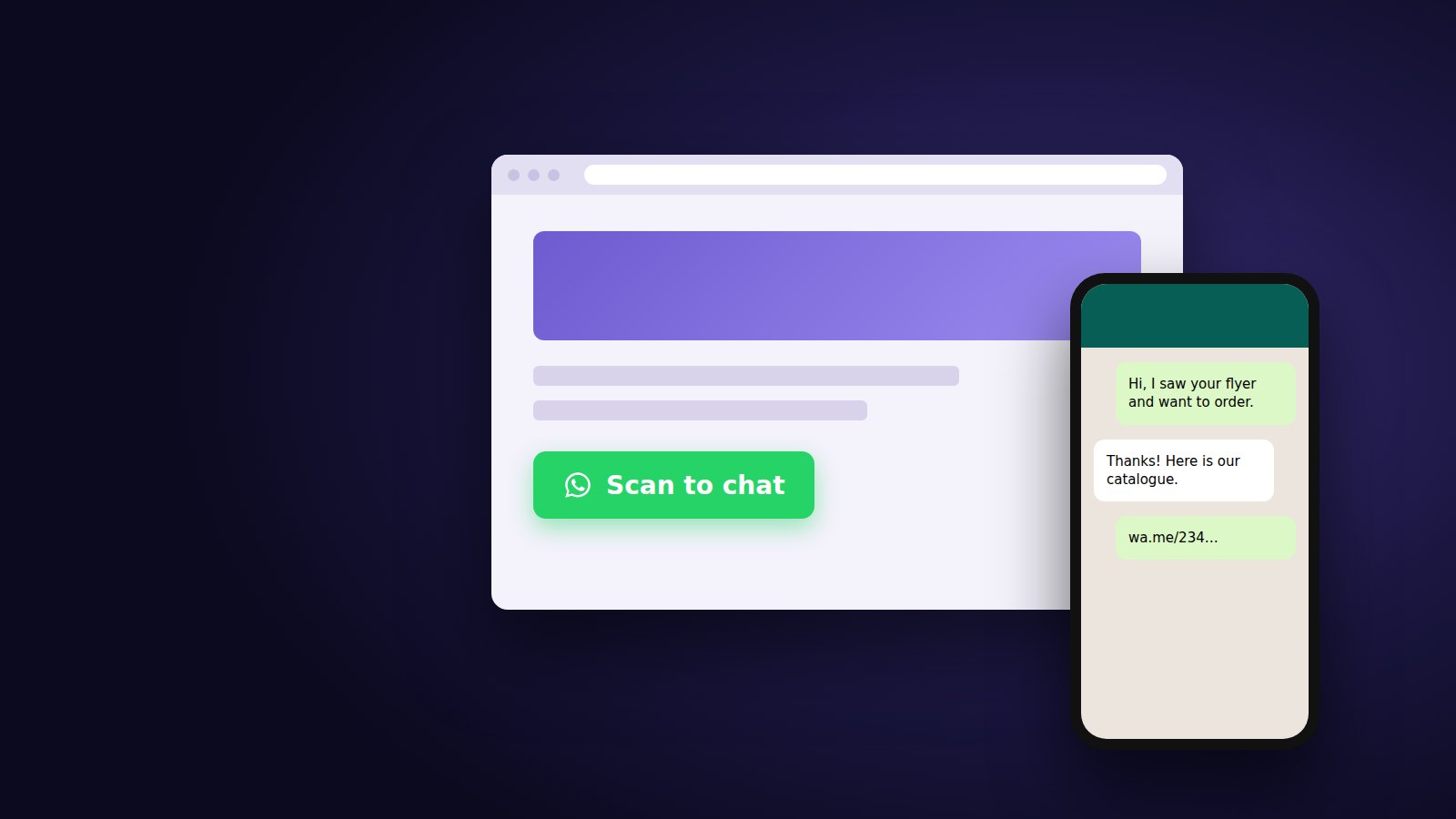
You can add a default message to the short link, so every chat opens with context such as "Hi, I want to order from your catalogue." The QR code points to the same link. Save it from the Short link screen and print it on flyers, packaging, receipts and shop signage.
Where Nigerian businesses place them:
- Instagram and TikTok bio
- Website header, contact page and product pages
- Google Business Profile
- Delivery packaging and invoices
- Shop counters and event banners
For step-by-step instructions, pre-filled messages per channel, and tracking which channel brings chats, see How to Create a WhatsApp Business Link and QR Code: 2026 Guide. To add a chat button to your site, see How to Link WhatsApp Business to Your Website: A Complete 2026 Guide.
How Nigerian businesses use WhatsApp Business to get and manage customers
WhatsApp Business works best as one stage in a sales process: links and ads bring chats in, labels track each lead, and broadcasts or Communities bring buyers back.
Getting customers in
- Click-to-WhatsApp ads. Facebook and Instagram ads can open a WhatsApp chat instead of a website. On the WhatsApp Business Platform, messages inside the 72-hour window that opens from these ads are free (FCB.ai).
- Links and QR codes on social profiles, packaging and in-store signage.
- Status updates showing new stock, offers or completed projects.
Managing customers
- Label every new chat on day one, then review the Awaiting payment and Follow up labels daily.
- Use quick replies for repeated answers so every staff member gives the same price and delivery terms.
- Link up to four extra devices (a laptop or second phone) so a team can reply from one number (Green API).
Bringing customers back
- Broadcast lists send one message to many contacts individually. Only contacts who saved your number receive it.
- Channels send one-way updates to followers of any size. Followers do not see your phone number (WhatsApp Help Center).
- Communities group related WhatsApp groups under one announcement space. See Communities on WhatsApp Business: How Nigerian Businesses Can Use Them (2026 Guide).
Example: a Lagos restaurant runs a Click-to-WhatsApp ad, sends its catalogue menu by quick reply, labels each order Paid or Delivered, and posts the daily special to its Channel each morning.
How to secure your WhatsApp Business account
Turn on two-step verification, review linked devices weekly, and never share your 6-digit registration code. Anyone who obtains your verification code can register your number on their own phone and message your customers as you.
Security checklist:
- Two-step verification. Go to Settings > Account > Two-step verification and set a 6-digit PIN plus a recovery email. Anyone re-registering your number then needs the PIN.
- Never share the SMS code. WhatsApp support will not ask for it. A caller or message requesting it is a scam.
- Review linked devices. Check Settings > Linked devices and log out any device you do not recognise. Linked devices that are inactive for 30 days are logged out automatically (Green API).
- Recognise the real WhatsApp. The official WhatsApp Business account carries a verified badge. WhatsApp says anyone else claiming to be WhatsApp is a scam and should be reported and blocked (WhatsApp Help Center).
- Protect your brand name. Fraudsters copy business names and logos onto new numbers. Publish your one official number on your website and social profiles. Meta Verified for business, which adds a verified badge, has begun rolling out to WhatsApp Business users (WhatsApp Help Center); check Settings > Business tools for availability on your account.
- Fix payment details in one place. Keep account details in a single quick reply and tell customers you will never change them by message.
Common WhatsApp Business setup mistakes
Most setup problems come from the number choice, an incomplete profile, or messaging behaviour that triggers reports. Avoid these:
| Mistake | Why it hurts | Fix |
|---|---|---|
| Using GB WhatsApp or another modified app | Violates WhatsApp's Terms of Service; leads to temporary then permanent bans | Install only the official WhatsApp Business app |
| Using a personal number shared with family | Personal and sales chats mix; labels and broadcasts become unreliable | Use a dedicated business SIM |
| Leaving the profile half-empty | Buyers cannot confirm the business is real | Complete description, address, hours, email and links |
| Adding slogans or keywords to the business name | Looks like spam and is harder to search | Use the trading name only |
| Messaging people who never contacted you | Blocks and reports flag the number | Grow opt-in contacts through links, QR codes and ads |
| Adding strangers to groups | Triggers reports and exits | Invite with a group link instead |
| No away message | Night-time enquiries get no reply and go to a competitor | Set an away message for outside business hours |
| Skipping two-step verification | The account can be hijacked | Turn on a PIN and recovery email |
The triggers behind restrictions and bans, and how to appeal one, are covered in Why WhatsApp Business Numbers Get Banned, and How to Avoid It (2026).
What to do after setting up WhatsApp Business
After setup, put the number where customers already look, then build a daily routine for replies and follow-ups. Work through this list in the first week:
- Add the WhatsApp short link to your Instagram, Facebook and TikTok bios
- Connect the number to your Facebook Page and Instagram profile
- Add a chat button to your website
- Print the QR code on packaging, receipts and in-store signage
- Add at least 10 catalogue items with naira prices
- Write five quick replies for your most common questions
- Create your pipeline labels and label every open chat
- Turn on two-step verification
- Link one extra device so a colleague can cover replies
- Post your first Status update
Review it after 30 days: how many chats arrived, from which link, and how many reached the Paid label. Those numbers show whether to invest in ads, a second agent, or the API.
When should a Nigerian business move to the WhatsApp Business Platform (API)?
Move to the WhatsApp Business Platform when one phone and four linked devices can no longer handle your volume, or when you need automation the app cannot do. The app stays free; the Platform charges per message.
| WhatsApp Business app | WhatsApp Business Platform (API) | |
|---|---|---|
| Cost | Free | Per delivered message, by category and recipient country |
| Access | 1 phone + up to 4 linked devices | Multiple agents through a shared inbox |
| Automation | Greeting, away messages, quick replies | Chatbots, AI agents, CRM and payment integrations |
| Bulk messaging | Broadcast lists to contacts who saved your number | Approved message templates to opted-in customers |
| Setup | Install from an app store | Meta Business account plus Cloud API or a solution provider |
Signs you need the API:
- Several staff reply at once and customers receive duplicate or conflicting answers.
- You send order, payment or delivery notifications automatically from your website or app.
- You want a chatbot or AI agent to handle first responses around the clock.
- You need to message thousands of opted-in customers with templates.
What it costs in 2026. From 1 October 2026, Meta bills service replies and in-window utility messages on the Platform at the recipient country's utility rate, after 1,000 free service messages per number each month. On Meta's rate card effective 1 July 2026, that rate for Nigerian numbers is $0.0067 per delivered message (FCB.ai). Marketing templates to Nigerian numbers cost about $0.0516 each (Zernio). Some Nigerian outlets reported higher figures of about N14 per utility message and N84 per marketing message (BusinessDay), so check Meta's current rate card before budgeting. Solution providers add their own fees.
These charges do not apply to ordinary WhatsApp users or to businesses on the WhatsApp Business app (DUBAWA).
For a full cost breakdown in naira, see WhatsApp Business API in Nigeria: Cost and Who Needs It (2026). For a feature-by-feature decision guide, see WhatsApp Business vs the API: Which One Does Your Nigerian Business Need? (2026).
Frequently asked questions
Can I use WhatsApp Business with a Nigerian phone number?
Yes. Any active MTN, Airtel, Glo or 9mobile number that can receive SMS or calls works. The SIM must be linked to a verified NIN, because the NCC directed operators to bar lines that are not linked.
How do I create a WhatsApp Business account in Nigeria?
Download the WhatsApp Business app from Google Play or the App Store, enter your number with the +234 country code, and verify it with the 6-digit SMS code. Then add your business name, category and profile photo.
Is WhatsApp Business free in Nigeria?
Yes. The WhatsApp Business app is free to download and use. Per-message charges apply only to the WhatsApp Business Platform (API), and Meta Verified is an optional paid subscription.
Can I use WhatsApp Business and regular WhatsApp on the same phone?
Yes, with two different numbers. A dual-SIM phone can run WhatsApp Messenger on one number and WhatsApp Business on the other.
How do I verify my WhatsApp Business number?
WhatsApp sends a 6-digit code by SMS when you register. Enter it in the app, or request a voice call if the SMS does not arrive. Then turn on two-step verification under Settings > Account to protect the number.
Can I use WhatsApp Business for multiple employees?
Yes, up to a limit. The app supports one primary phone plus up to four linked devices, such as laptops or extra phones. Larger teams need the WhatsApp Business Platform (API) with a shared inbox.
Do I need CAC registration to use WhatsApp Business?
No. The WhatsApp Business app does not ask for CAC documents. Business verification may be needed later for Meta Verified or the WhatsApp Business Platform.
How many products can I add to a WhatsApp Business catalogue?
Up to 500 items, at no cost. Each item can have photos, a name, a price, a description and a link.
Can I move my personal WhatsApp number to WhatsApp Business?
Yes. Install WhatsApp Business on the same phone and register the same number. The app moves the account and chat history across, and the number stops working on WhatsApp Messenger.
Does Meta's October 2026 WhatsApp charge affect the Business app?
No. The per-message charges that began on 1 October 2026 apply to the WhatsApp Business Platform (API). The WhatsApp Business app on a phone remains free.
Start with the app, plan for the Platform
Setting up WhatsApp Business in Nigeria takes one NIN-linked number, the official app, a complete profile and four messaging tools. Start on the free app, track which links bring chats and sales, and move to the API once volume or automation needs outgrow one phone.
Want WhatsApp set up to sell, not just to chat? Pedicel Nigeria builds WhatsApp sales systems for Nigerian businesses: profile and catalogue setup, automated replies, website and ad integration, and API rollouts. Book a free consultation